
Discord account linking arrives for WoW social connectivity
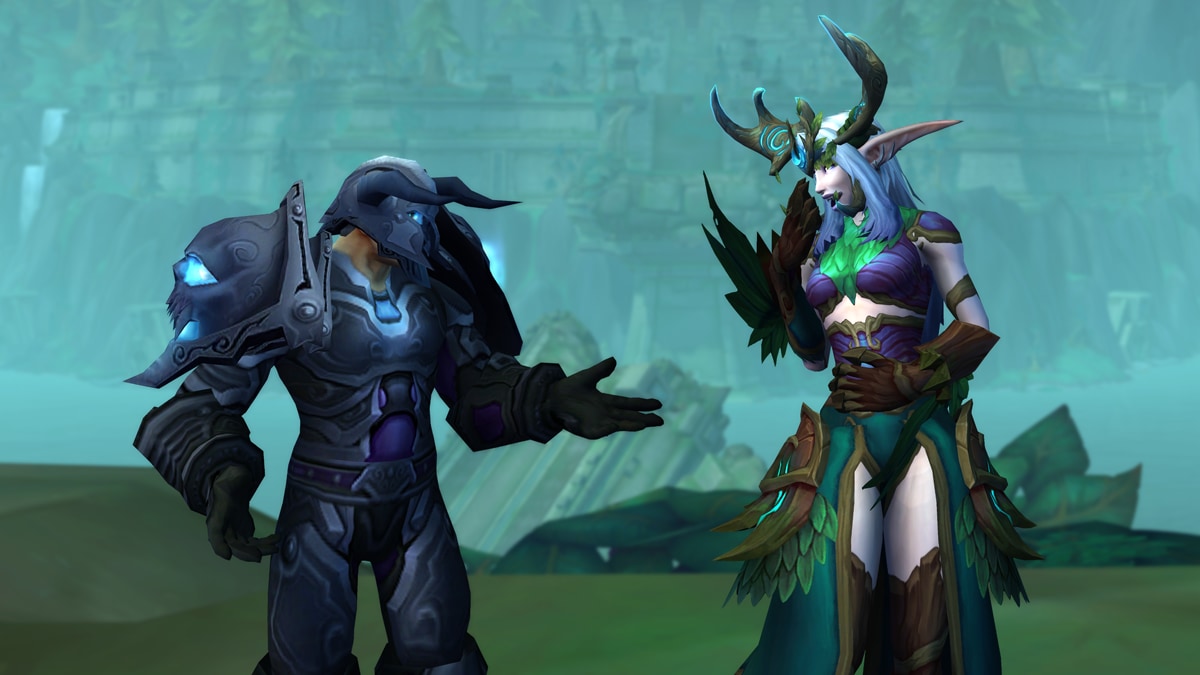
Blizzard has announced a new connectivity feature for World of Warcraft that ties your in-game identity more closely to your out-of-game social hub: Discord. According to Blizzard, players can link their Battle.net and Discord accounts to stay connected with their guild whether they’re actively playing or stepping away from the game.
For MacGaming.com readers, the headline here isn’t about frame rates or patches—it’s about coordination. Guilds increasingly rely on Discord for raid scheduling, announcements, and social chatter, and Blizzard’s move signals a continued push to streamline how communities organize across platforms and sessions.
What Blizzard says the feature does
In Blizzard’s announcement, the key point is account linking: connect Battle.net to Discord to “stay connected with your guild” across modern World of Warcraft and World of Warcraft: Forever, regardless of whether you’re currently in-game.
Blizzard positions this as a convenience and community feature—useful for keeping up with guild activity, maintaining contact between play sessions, and reducing friction between in-game groups and the tools they already use externally.
Why this matters for MMO players (including on Mac)
Even if you primarily play on a Mac and keep your social stack lightweight, Discord has effectively become the default “second screen” for MMOs. Easier identity and presence linkage can help with:
Raid and event coordination when you’re away from your PC setup
Guild onboarding and keeping track of who’s who across characters
Staying in the loop on progression plans, roster changes, and quick pings
As always, note that Blizzard’s announcement is about a Discord integration feature—not platform support. MacGaming.com isn’t inferring anything about macOS or Apple Silicon availability from this news.
Availability and rollout
Blizzard’s post describes the feature as available for players of modern World of Warcraft and World of Warcraft: Forever via Battle.net and Discord account linking. Specific regional rollout details, limitations, or step-by-step setup notes should be referenced directly from Blizzard’s documentation and the official announcement.
Source
Source: Blizzard News.
For the complete details straight from Blizzard, including any official instructions and account-linking steps, read the original post here: Stay Connected in World of Warcraft with Discord.
Comments
Sign in to join the conversation.
Log in to commentNo comments yet. Be the first to join the conversation.